Affiliate disclosure: Some links in this article are paid (affiliate) links. If you sign up or buy through them, ProDevs earns a commission. If you become a DigitalOcean customer through our link, we may earn a commission. Details: /advertise/
By ProDevs
Published 2026-09-29 · Last updated 2026-09-29
Who this is for: Developers · Intermediate · You’ll need: an SSH key and a plan that meets the RAM floor for the agent you will run
AI disclosure: This was drafted with AI assistance.
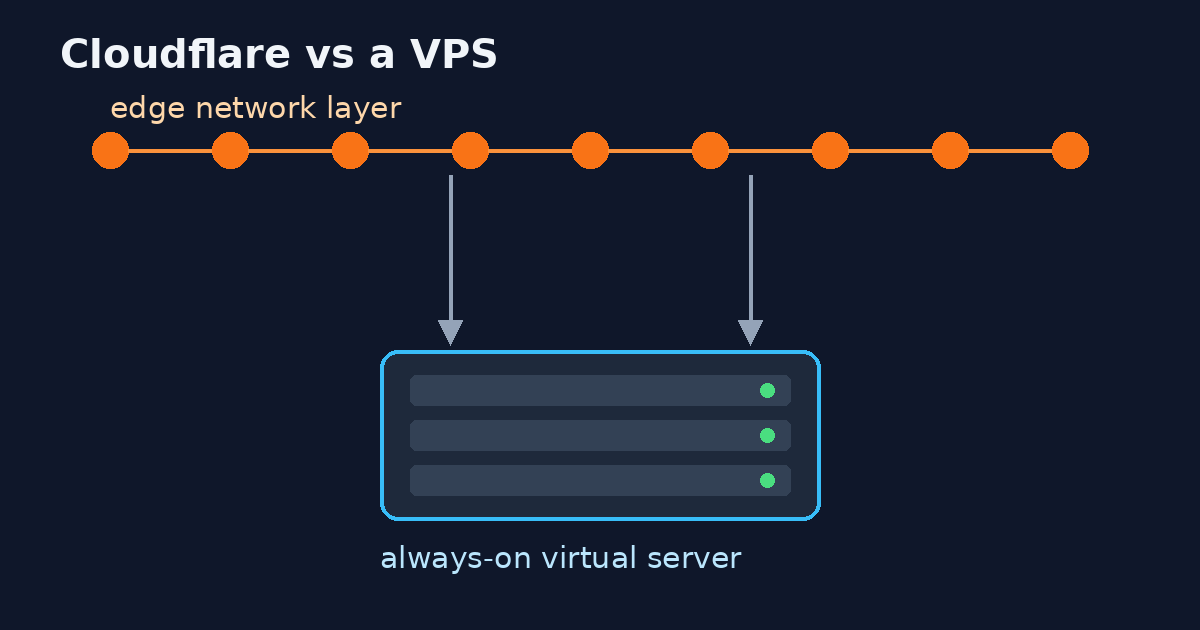
A VPS for an AI coding agent is a small always-on Linux server for the repo, the shell, and the agent process. Claude Code’s setup docs say 4 GB or more of RAM. Codex’s install doc says 4 GB minimum and 8 GB recommended. OpenClaw’s FAQ says 1 GB is the absolute minimum and 2 GB or more is recommended. The model bill is separate from the VPS bill. A 1 GB plan can meet OpenClaw’s floor and still miss the Claude Code and Codex floors. A later section records one Python job we timed on 29 September 2026. That job is not Claude Code, Codex, OpenClaw, or Hermes.
Prices below were checked on 29 September 2026. Amounts stay in the currency the vendor prints. Nothing here is converted into rupees.
Who it’s for
A software engineer who already wants a remote Linux box for one AI coding agent: Claude Code, Codex CLI, OpenClaw, or Hermes. You are comparing plans and you are about to pay. You are willing to be the sysadmin.
Not for
This is the wrong buy if you need a GPU to fine-tune or to run a local model, if the job is a one-hour test you can leave open on the laptop, or if the build is macOS-only. A Linux VPS cannot stand in for Xcode. It is also the wrong buy if you want a host that runs the agent for you. Anthropic documents cloud sessions as a hosted operating system that needs a Claude subscription. That product is outside this comparison.
Three bills
You pay three things, and only one of them is the VPS invoice.
- The server. RAM, CPU, disk, and the region you pick.
- The model or subscription. Claude Code needs a Pro, Max, Team, Enterprise, or Console account, or a cloud API such as Bedrock. The free claude.ai plan does not include Claude Code. Codex signs in with ChatGPT (Plus, Pro, Business, Edu, or Enterprise) or an API key. OpenClaw and Hermes call a model provider unless you run a local model, which is a different machine.
- Your time. SSH keys, updates, snapshots, and the hour you spend when the agent fills the disk.
The VPS price does not include Claude, Codex, or ChatGPT.
A shape that matches the floor
Use the vendor’s published floor. The right-hand column is a planning default for this article. It is not a number from a vendor page.
| Agent | Published floor (checked 2026-09-29) | Planning default (not a vendor spec) |
|---|---|---|
| Claude Code | 4 GB or more of RAM. Native install does not need Node. Setup. | A 4 GB plan meets the written floor. The docs do not publish a higher comfortable size. |
| Codex CLI | 4 GB minimum, 8 GB recommended. Install. | 8 GB if you want the recommendation, not only the minimum. |
| OpenClaw | Absolute minimum: 1 vCPU, 1 GB RAM, about 500 MB disk. Recommended: 1–2 vCPU and 2 GB or more. OS named as Ubuntu LTS. FAQ. | 2 GB if you follow the FAQ recommendation. The project’s DigitalOcean guide says local LLM inference does not fit in 1 GB. |
| Hermes | No RAM or disk minimum. The README says you can run it on a “$5 VPS”. README. | Do not size the box from that quote. |
A 1 GB plan can be enough for OpenClaw’s absolute minimum and still be below Claude Code and Codex. OpenClaw’s Linux server page does not repeat the FAQ numbers. The FAQ does. Use the FAQ.
What we measured
How we test: one throwaway container, the same 1 CPU and 2 GiB cap on both machines, the same workload run three times per machine. The tables report the median.
On 29 September 2026 we ran the same throwaway container on two machines we operate. Both runs used a cap of 1 CPU and 2 GiB (--cpus=1 --cpu-shares=64 --memory=2g --memory-swap=2g). The figures below are for that cap. They are not the size of either machine. They are not a Claude Code, Codex, OpenClaw, or Hermes session, and they did not call a model API.
The workload was the same on both machines, three times: a shallow git clone of pallets/click, pip install -e . pytest, pytest, then a local program that read 40 Python files and ran pytest again. The image was python:3.12-slim plus git, time, and less. Each successful timed run reported 2241 passed, 24 skipped. The local program’s retest exited 0. Swaps inside the timed command were 0. The table uses the median of the three runs.
The KVM guest is a 12 vCPU AMD EPYC machine with 47 GiB of RAM. The workstation is a 24-logical-CPU Intel Core Ultra 9 275HX machine with 91 GiB of RAM. The monthly price of the KVM guest was not verified. The workstation has no VPS bill. Its purchase price and power cost were not verified.
Hardware we read
| KVM guest | Workstation | |
|---|---|---|
| When | 2026-09-29T09:51:14Z | 2026-09-29T09:51:12Z |
| CPU | 12 vCPU, AMD EPYC (KVM) | 24 logical CPUs, Intel Core Ultra 9 275HX |
| RAM | 47 GiB (MemTotal 49330600 kB). Available then about 36 GiB | 91 GiB (MemTotal 95798628 kB). Available then about 61 GiB |
| Swap | 8 GiB, 1.8 MiB used | 32 GiB, 512 KiB used |
| Disk | root ext4 484 G, 221 G used, 263 G free | OS 196 G (115 G used); Docker filesystem 492 G (109 G used); data 1.2 T (854 G used) |
| OS / Docker | Ubuntu 24.04.3, Docker 28.5.1 | Ubuntu 24.04.4, Docker 29.5.0 |
| Load at read | 18.17, 17.40, 17.30 | 3.18, 3.42, 2.64 |
| Monthly price | Unverified. No invoice was read. | No VPS bill. Purchase price and power cost unverified. |
Results (median of three runs)
| Host | Wall (time -v) |
CPU % of the 1 CPU cap | Peak RSS | Disk used (repo + site-packages) | Network out | Network in (docker stats, rounded) | cgroup nr_throttled |
|---|---|---|---|---|---|---|---|
| Workstation | 9.89 s (9.89 / 9.86 / 10.13) | 78% (78 / 79 / 77) | 131.2 MiB (134360 kB median) | 62.6 MiB | 86.9 KiB (88965 B) | 2.71 MB | median 0 |
| KVM guest | 47.59 s (54.12 / 45.61 / 47.59) | 90% (83 / 92 / 90) | 131.4 MiB (134588 kB median) | 62.6 MiB | 40.0 KiB (40979 B) | 2.61 MB | median 52 |
The guest was slower under the same cap. Its cgroup was throttled (median nr_throttled 52, against 0 on the workstation) while the guest’s load was already about 18.
What failed, and the fix
- Missing
lesson the workstation, 09:54Z, before the timed set. Click’s pager tests failed: 24 failed, 2217 passed. The fix was to installlessin the throwaway image only. After that, the timed runs reported 2241 passed. - Out of memory at 96 MiB, both machines, the same day. A probe container with
--memory=96mwas OOM-killed duringpytest(OOMKilled=true, exit 137). The workstation died at 4.68 s with RSS 98676 kB. The guest died at 20.48 s with RSS 99400 kB. The fix was to rerun the three timed runs at--memory=2gwith swap disabled inside the cgroup (--memory-swap=2g). Peak RSS was then about 131 MiB and the exit code was 0. Host swap was not what kept the job alive.
What the terminal capture shows
The second timed run, pro7675-r2, was captured on each machine.
On the workstation capture, time -v shows elapsed 0:09.86, 79% of the one-CPU cap, maximum resident set 134280 kB, swaps 0, and exit status 0. The pytest lines read 2241 passed, 24 skipped, 31000 deselected, 1 xfailed. The local program line reads files_read=40. The 96 MiB probe block reads EXEC_RC=137 and OOMKilled=true.
On the KVM guest capture, time -v shows elapsed 0:45.61, 92% of the one-CPU cap, maximum resident set 134260 kB, swaps 0, and exit status 0. The pytest lines have the same pass, skip, deselect, and xfail counts. The local program again reads files_read=40. The probe block again reads EXEC_RC=137 and OOMKilled=true.
Those elapsed times and CPU percents are the middle samples in the median row, not the medians. The median wall times stay 9.89 s and 47.59 s. The capture’s resident-set figures are that one run. The median peak RSS values stay 131.2 MiB and 131.4 MiB.
How to choose a provider
Pick a region, read the 4 GB price on that vendor’s own page, check the contract length, and decide whether you want snapshots and whether you want to be the sysadmin. These five are examples. This article does not pick a winner. The DigitalOcean Droplet pricing link and the Contabo link are paid links.
DigitalOcean. Basic Regular s-2vcpu-4gb (2 vCPU / 4 GiB / 80 GiB) is $24/month. The 1 GiB plan is $6/month. The 512 MiB plan is $4/month. Droplet pricing (paid link). Bangalore is region blr1, and Basic Droplets are listed there. Regional availability. Since 1 January 2026, Droplets bill per second, with a 60-second or $0.01 minimum, and bundled plans cap at 672 hours. A powered-off Droplet is still billed. Destroy it to stop the charge. Billing details. Invoices are USD. India GST is 18% unless a GSTIN removes it from the bill. Reverse charge still applies. There is no published INR price. India taxes.
Vultr. Cloud Compute vc2-2c-4gb (2 vCPU / 4 GB / 80 GB) is $20/month. vc2-1c-1gb is $5/month. Those figures come from the public plans API, checked the same day. The marketing pricing page returned 403 to the fetch, so do not treat a blog’s copy of that page as the source. Plans API. Bangalore (blr), Mumbai (bom), and Delhi NCR (del) are in the regions API, and vc2-2c-4gb is offered in all three. Regions API. Prices are USD. Vultr lists 18% tax for India and adds it to the invoice as a separate line, not to the displayed price. Vultr tax doc. Stopped servers are still billed until you destroy them. How Vultr bills servers.
Contabo. Cloud VPS 4 is 4 vCPU and 8 GB. The $5.28 headline is the 24-month effective rate. The regular rate on the card is $6.60. VPS page (paid link). The 12 vCPU, 47 GiB KVM guest in What we measured is not this card. There is no INR price. Navi Mumbai is an India location. India location. An India location adds a monthly location fee. The fee amount was not on a public page on the check date, so it is not printed here. Read it in the vendor panel before you pay. Outbound traffic is described as unlimited with a fair-use policy.
Hetzner. There is no India region. Locations include Germany, Finland, the United States, and Singapore. For new orders after 15 June 2026, CX23 in the EU (2 shared vCPU / 4 GB / 40 GB) is $6.49/month, up from $4.99. EU CPX22 is $22.99/month, up from $9.49. The nearest region to India is Singapore, where CPX22 (2 vCPU / 4 GB / 80 GB) is $30.99/month. Those prices exclude VAT and exclude IPv4. The IPv4 amount was not captured, so it is not guessed here. Price adjustment. The static cost-optimized page has marked some of these plans unavailable. Confirm stock in the Hetzner console before you treat CX23 as orderable. Ignore third-party CX23 prices from before the 15 June 2026 increase.
Hostinger. This is the only vendor in the set with a published INR price. KVM 1 (1 vCPU / 4 GB / 50 GB) is a promo at ₹599/month and renews at ₹999/month, excluding GST. India VPS page. Say promo versus renew when you quote it. The 4 GB size meets Claude Code’s floor and Codex’s minimum. It is not a ranking, and it is not the 8 GB Codex recommendation.
After you pay
Prerequisites
- An SSH key on your laptop, and a server image you can log into. The sandbox notes below use Ubuntu 24.04 as the documented case.
- A plan that meets the floor for the agent you will actually run.
- The vendor’s own install page open. Do not follow a copied script from a blog.
Three steps
- Lock the box down before the agent. Add your SSH key, create a non-root user, and turn on a firewall that allows SSH and denies the rest. Keep secrets out of git. Take a snapshot once that baseline boots. Those hardening steps are operator practice. No agent vendor’s doc was the source for the firewall rule.
- Give the agent a session that survives disconnect. A terminal multiplexer or a user service is enough. Closing the laptop should not kill the process, because the process is on the VPS.
- Install from the vendor’s docs. Claude Code’s native installer does not need Node. The npm path, if you choose it, needs Node.js 22 or newer. Codex also documents a standalone installer that does not need Node. OpenClaw’s Linux installer provisions Node when Node is missing (Node 24.16 or newer, or 26.1 or newer, with 26 recommended). OpenClaw install. Those docs may show a pipe-to-shell installer. That is the vendor’s method. Do not add a second one, and do not paste a third-party install script.
On Ubuntu 24.04, the Claude Code and Codex sandboxes need bubblewrap. Claude Code also needs socat. Ubuntu 24.04’s AppArmor policy can block bubblewrap user namespaces. Both vendors document an AppArmor profile for that case. Claude Code sandboxing. Codex sandboxing. Install the packages, then follow that profile, or the sandbox fails and the agent falls back to a looser mode.
A headless Claude Code login pastes a code from the browser when the callback cannot reach the box. Authentication. Codex prefers device-code auth, which you enable in ChatGPT security settings first. Codex auth.
Verify
free -h # show RAM; Ubuntu 24.04+ is the sandbox case in the vendor docs
free -hshows at least the floor you planned (4 GB for Claude Code, 4 GB minimum for Codex, 1 GB absolute for OpenClaw).- You can reconnect after a disconnect and find the session.
- The agent binary starts, and login uses the vendor’s device-code or paste-code flow.
- A snapshot exists from before you installed the agent.
Troubleshooting
- Out of memory on a 1 GB OpenClaw box. That plan meets the FAQ floor. The project’s DigitalOcean guide still says to move to 2 GB if the kernel keeps killing the process, and that local models do not fit in 1 GB.
- Sandbox warning on Ubuntu 24.04. Install
bubblewrap(andsocatfor Claude Code) and apply the vendor’s AppArmor profile. - The bill continues after you power off. DigitalOcean still bills a powered-off Droplet. Vultr still bills a stopped server. Destroy the test machine.
- A 96 MiB cap killed the Python job we timed. That probe is in What we measured. It is not a plan you can buy. The same job finished after the cap was raised to 2 GiB, with peak RSS about 131 MiB. That does not change Claude Code’s 4 GB floor or Codex’s 8 GB recommendation.
The day after
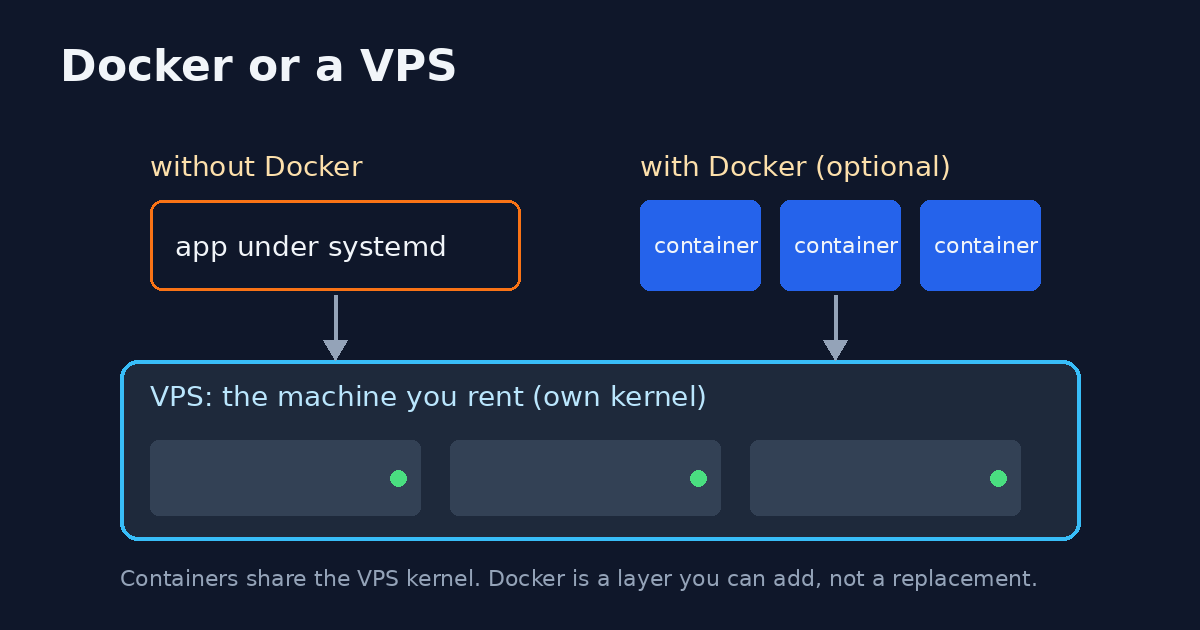
The VPS does not finish the job. You still read flags, Docker if you use it, systemd, and git. The agent will run commands you should be able to explain.
Talk2Term explains the shell command. You still type it. Talk2Term does not replace Claude Code, Codex, OpenClaw, or Hermes, and it does not host the VPS. The hub page describes the product. The zsh plugin is the install reference.
If you run OpenClaw, a normal install binds the Gateway to loopback. Reach it through an SSH tunnel. The container image binds openly by default. Set gateway auth, or keep that image on loopback. One gateway, one trust boundary. Gateway security.
If the box is for CI
A coding-agent VPS and a CI machine are different jobs that sometimes share a host. If you are pricing self-hosted GitHub Actions machines, read what those machines cost. This article does not repeat that breakdown.
What to skip
- Price tables copied from another blog. Read the vendor page on the day you pay. Hetzner’s June 2026 increase is the example: CX23 is $6.49 for new EU orders. The previous EU list price was $4.99.
- A $5 plan sold as a Claude Code box. Vultr’s $5 plan is 1 GB. That can meet OpenClaw’s absolute minimum. It misses the 4 GB Claude Code and Codex floors. Hermes’s “$5 VPS” line is a quote, not a RAM spec. The $5.28 figure on the 8 GB card above is the 24-month rate, not the $6.60 card rate.
- An Oracle-style free tier as a production plan. Free tiers expire, get reclaimed, or lack the RAM floor. Use one for a disposable test if you accept that, then move the agent to a plan you can snapshot and pay for.
- A managed “agent on a VM” product that bills on top of the model account, unless that is the product you meant to buy. Anthropic’s cloud sessions are that kind of product.
Alternatives
Stay on the laptop when the session is short and you will leave it open. Use Anthropic’s hosted cloud sessions when you want the vendor to run the machine and you already have the Claude subscription. Use a GPU host only when the model runs locally. Those are different products from the VPS in this article.
Cons
You patch the OS. You pay the machine while it is quiet, and on DigitalOcean and Vultr you also pay while it is powered off until you destroy it. A 12-month or 24-month term is a different product from a monthly plan, even when the headline price looks lower. The VPS still does not include model access. Snapshots and backups are often a separate line. DigitalOcean documents snapshot storage at $0.06 per GB-month. Droplet pricing details.
FAQ
How much RAM does a coding agent need?
Claude Code: 4 GB or more. Codex: 4 GB minimum, 8 GB recommended. OpenClaw: 1 GB absolute minimum, 2 GB or more recommended, plus about 500 MB of disk at the floor. Hermes: no published RAM number.
Is a 5 dollar VPS enough?
Enough for OpenClaw’s absolute minimum, if the plan is actually 1 GB. Vultr’s $5 Cloud Compute plan is. It is under the Claude Code floor and under Codex’s published minimum. A 512 MiB Droplet at $4 is under those floors and under OpenClaw’s 1 GB minimum. Hermes still has no published RAM floor, so the “$5 VPS” quote does not make the $4 plan a match.
Does the VPS price include Claude or Cursor?
No. Budget the subscription or API separately. The free claude.ai plan does not include Claude Code. This article does not size a Cursor remote agent. Cursor’s docs were not in the fact pack used for these numbers, so no Cursor RAM claim is printed.
Can I close my laptop?
Yes. The agent process stays on the server. You still pay for that server, including while a DigitalOcean Droplet is powered off, until you destroy it.
Your test peaked around 131 MB. Is 2 GB enough for Claude Code?
No. The 131.2 MiB workstation figure and the 131.4 MiB KVM guest figure are median peak RSS for the Python job in What we measured: a shallow clone of pallets/click, pytest, and a local program that read 40 Python files. The container cap was 2 GiB. Claude Code’s setup doc still says 4 GB or more. Codex still says 4 GB minimum and 8 GB recommended. The same job was OOM-killed on both machines when the cap was 96 MiB.
Does a bigger host CPU help if the container is capped at one CPU?
Not as a number you can take to a pricing page. Both containers had the same 1 CPU and 2 GiB cap. Median wall time was 9.89 s on the workstation and 47.59 s on the KVM guest. The guest cgroup’s median nr_throttled was 52. The workstation’s was 0. When we read the machines, guest load was 18.17, 17.40, 17.30 and workstation load was 3.18, 3.42, 2.64. This was not a Claude Code run. The monthly price of the KVM guest was not verified, so this comparison is not a bill.
Teardown
Destroy the test machine when you are done. Powering it off is not enough on DigitalOcean or Vultr. Delete the snapshot only after you have decided you do not need the baseline. Revoke the agent login token on the vendor account if you will not use that box again.
DevOps and infra for a dev team
ProDevs is the community for software engineers, DevOps people, and PMs. The public offer, read on the services page on 29 September 2026, is a small number of projects: technical writing (docs, tutorials, READMEs, and guides), DevOps and CI setup such as self-hosted GitHub Actions runners, and developer content for a technical audience. That is infrastructure and delivery work for a dev team. It is not a hosted coding-agent product, and it is not a quote for “we install Claude for you.”
If that is the work you want, use the contact form. The services page says every project is quoted on its own. This article does not print a rate. Say which agent you run and the timeline.